An iPhone app for your Snapchat data export
Your Snapchat export, back as conversations
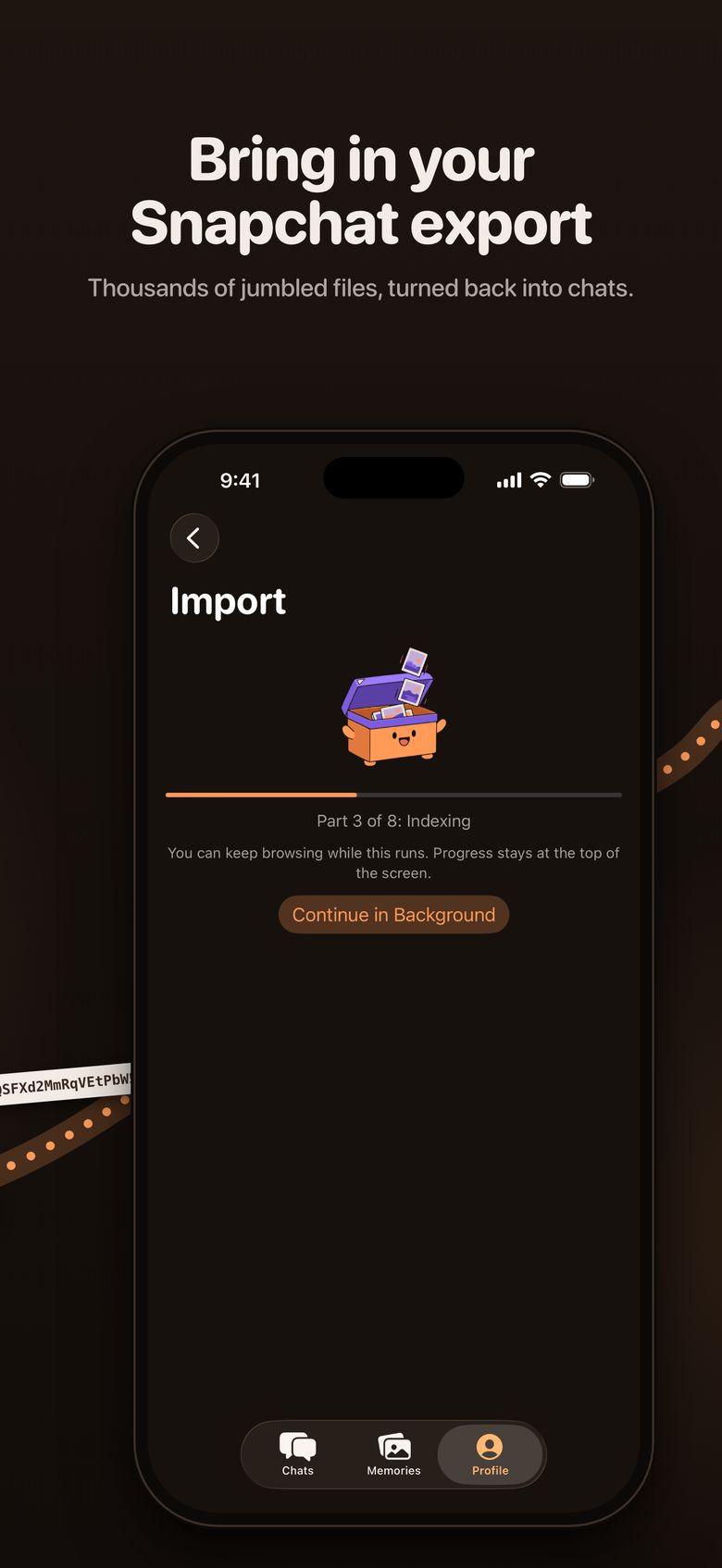
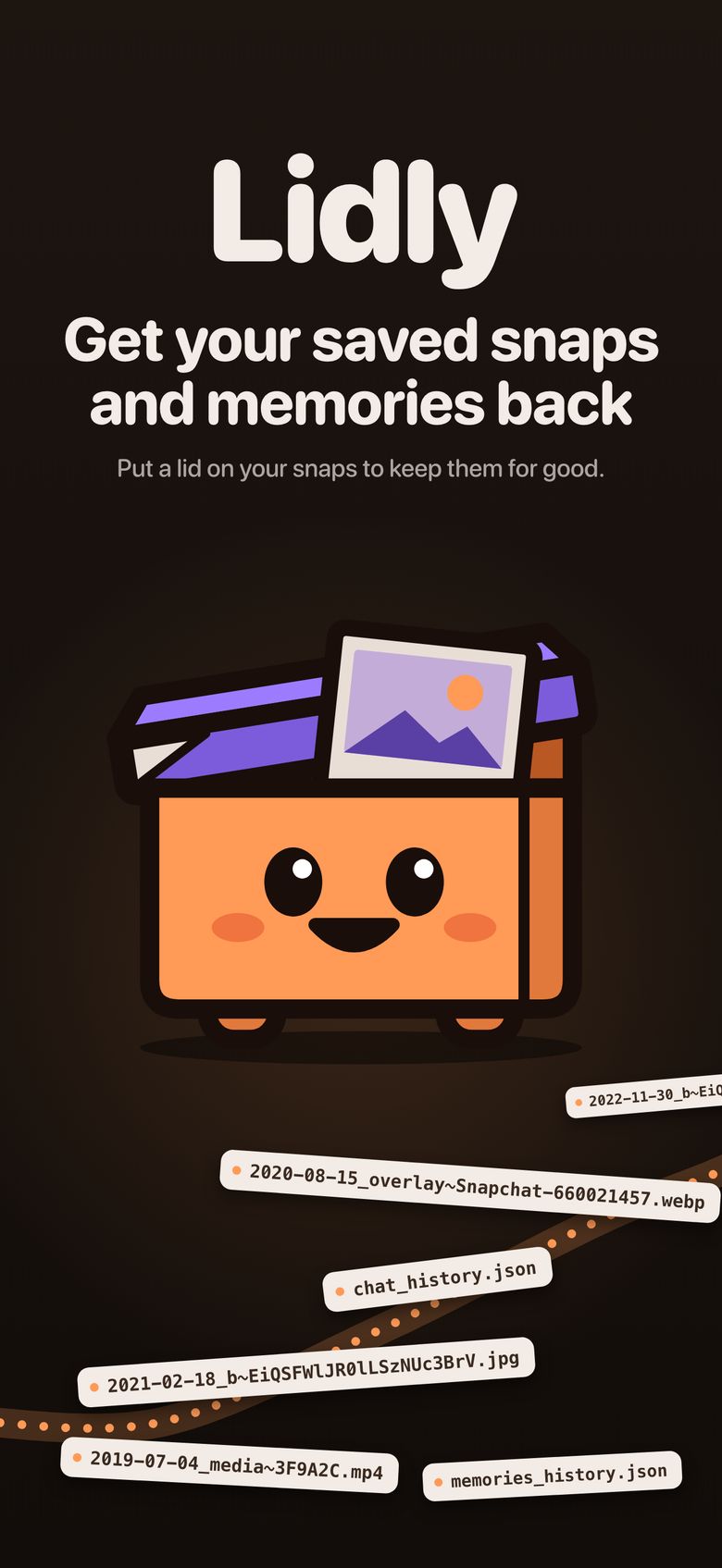
Snapchat sends your saved snaps as thousands of files with names like 2021-02-18_b~EiQSFWlJR0lLSzNUc3BrV.jpg. Lidly puts them back in order: each conversation, who sent what, and when, with captions still on the photo.

- No login
- No ads
- Nothing uploaded
- Runs on your iPhone
Snapchat Memories storage
On January 1, Snapchat starts locking your older Memories
Snapchat's help page says that starting in January 2027, your Memories are archived if they are more than one year old and not part of your oldest 5GB.
- Thumbnails only. Archived Memories show as thumbnails in Snapchat.
- Pay or download. To open, edit or share them you need a paid storage plan with a monthly or yearly fee, or a copy you downloaded.
- Not deleted. Snap says archived Memories stay on Snapchat.
Download your Snapchat export now and keep your Memories and saved chats on your iPhone, with no monthly fee. Lidly is free to import and read. Your most recent twelve months of media and your first ten saves are free; older media needs a one-time unlock. No subscription.
From a folder of files to the conversation it came from
What Snapchat sends you
- 2019-07-04_media~3F9A2C.mp4
- 2021-02-18_b~EiQSFWlJR0lLSzNUc3BrV.jpg
- 2021-02-18_b~EiQSFXd2MmRqVEtPbW5aU.jpg
- 2022-11-30_overlay~660021457.webp
- chat_history.json
- memories_history.json
The export is complete, but who sent each file, when, and in which conversation lives in JSON files beside the media. Captions and drawings arrive as separate overlay files.
What Lidly shows you
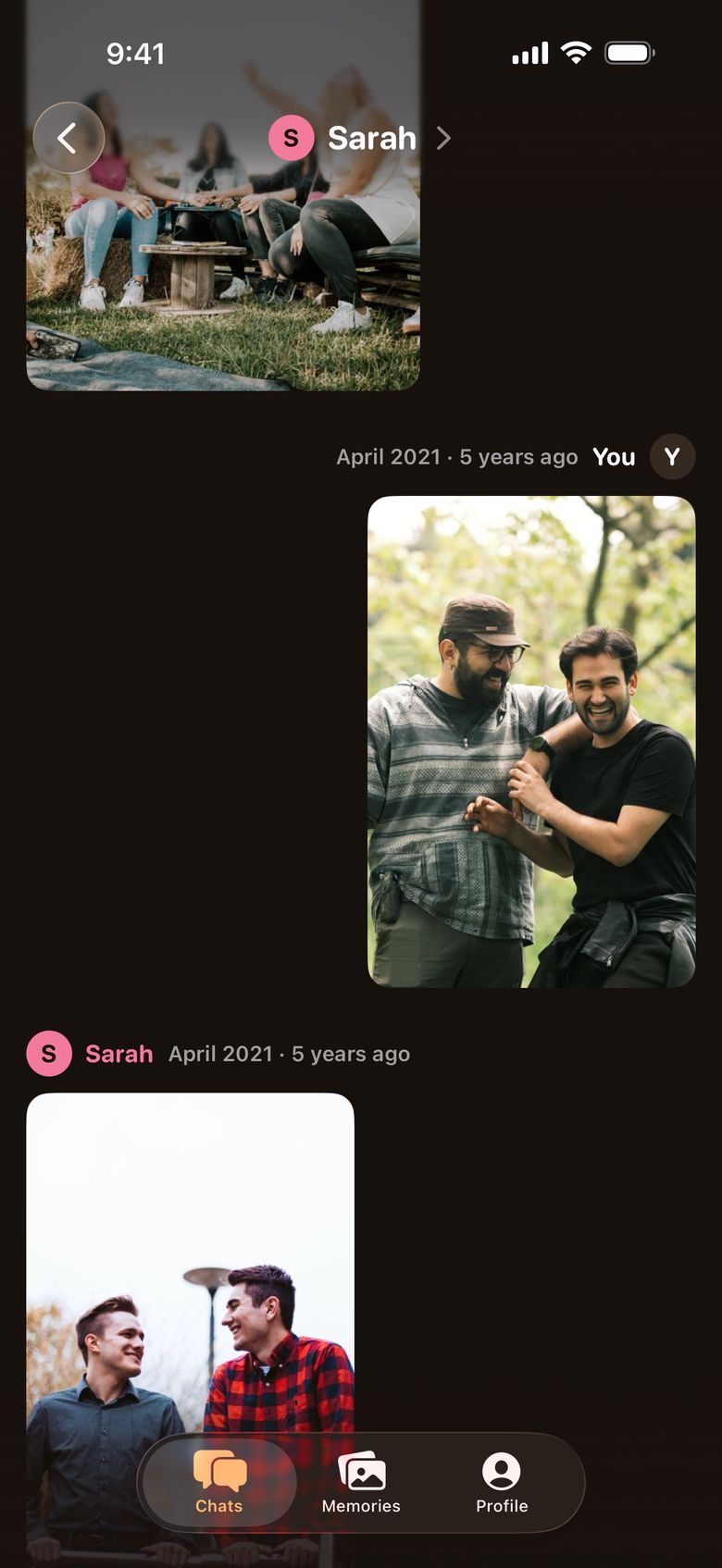
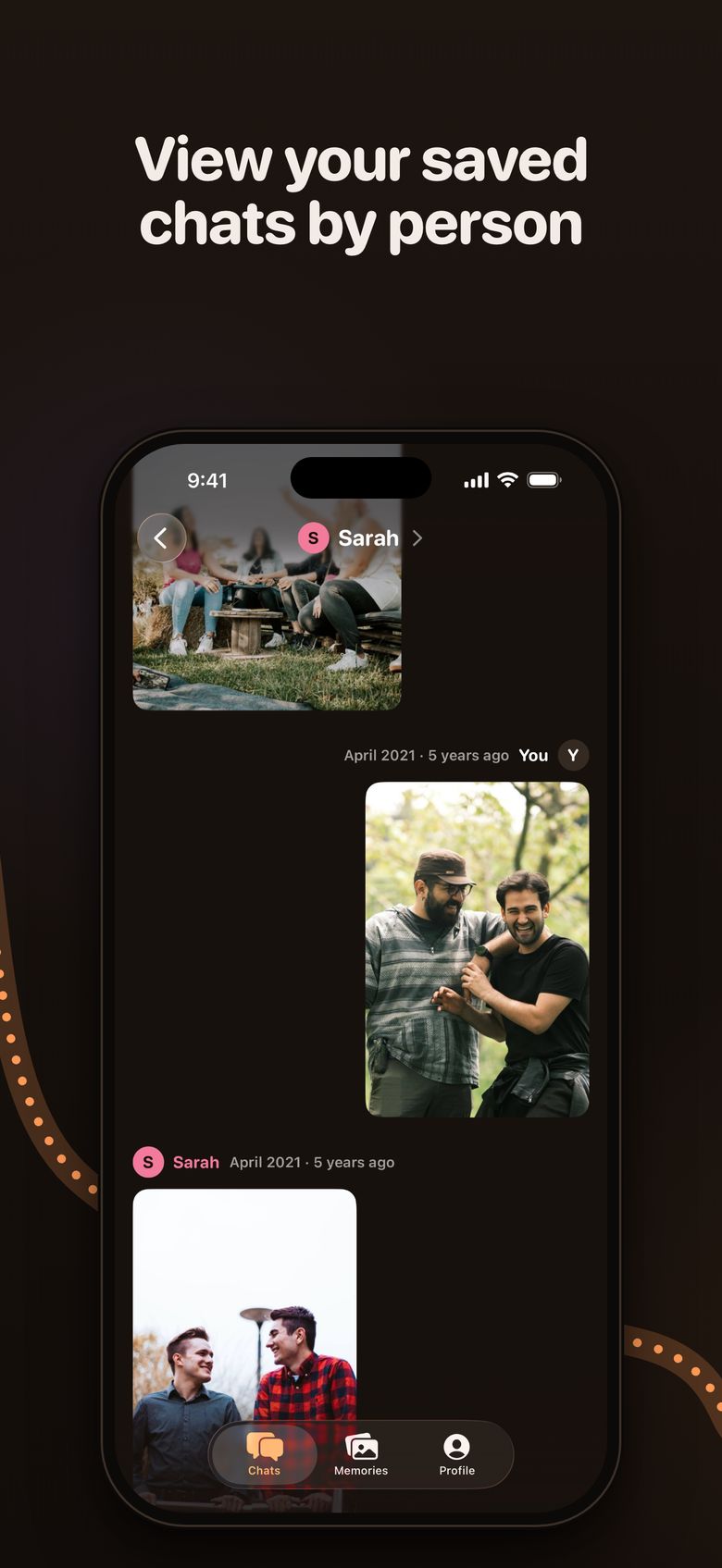
The same snaps, in order, in the conversation they came from, each with its sender and date.
How it works
-
Request your data from Snapchat
Sign in at accounts.snapchat.com, or in the Snapchat app go to Settings, then My Data, and submit an export request. Include your Memories and chat media. Snapchat emails you when it is ready, which its help page says can take up to 7 days.
-
Open it in Lidly
Download the file to your iPhone and pick it in Lidly, all of its parts if Snapchat split it. Lidly reads it where it already is, so you never unzip or combine anything.
-
Look back
Browse your conversations, tap through a thread the way you would in Snapchat, and save anything back to your camera roll.
What Lidly does with your export

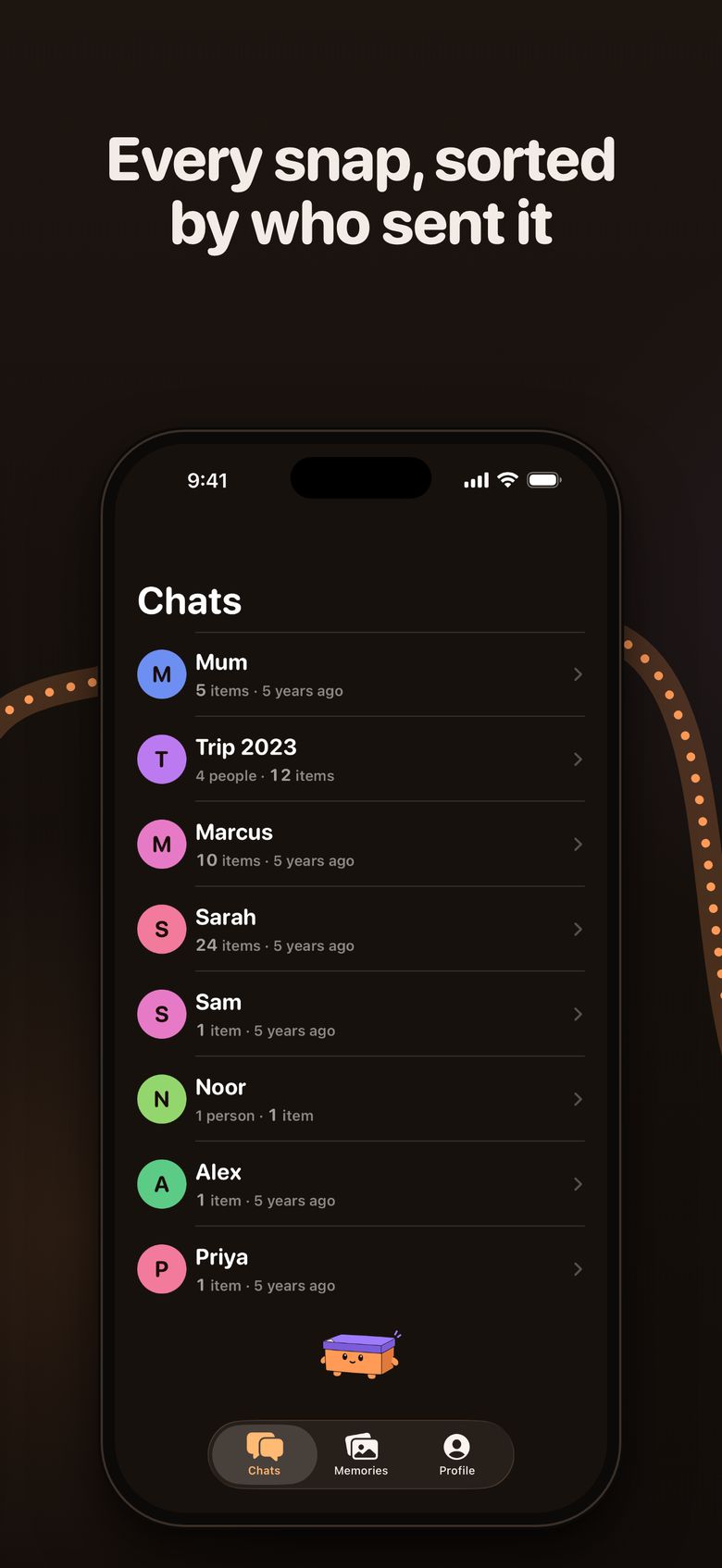
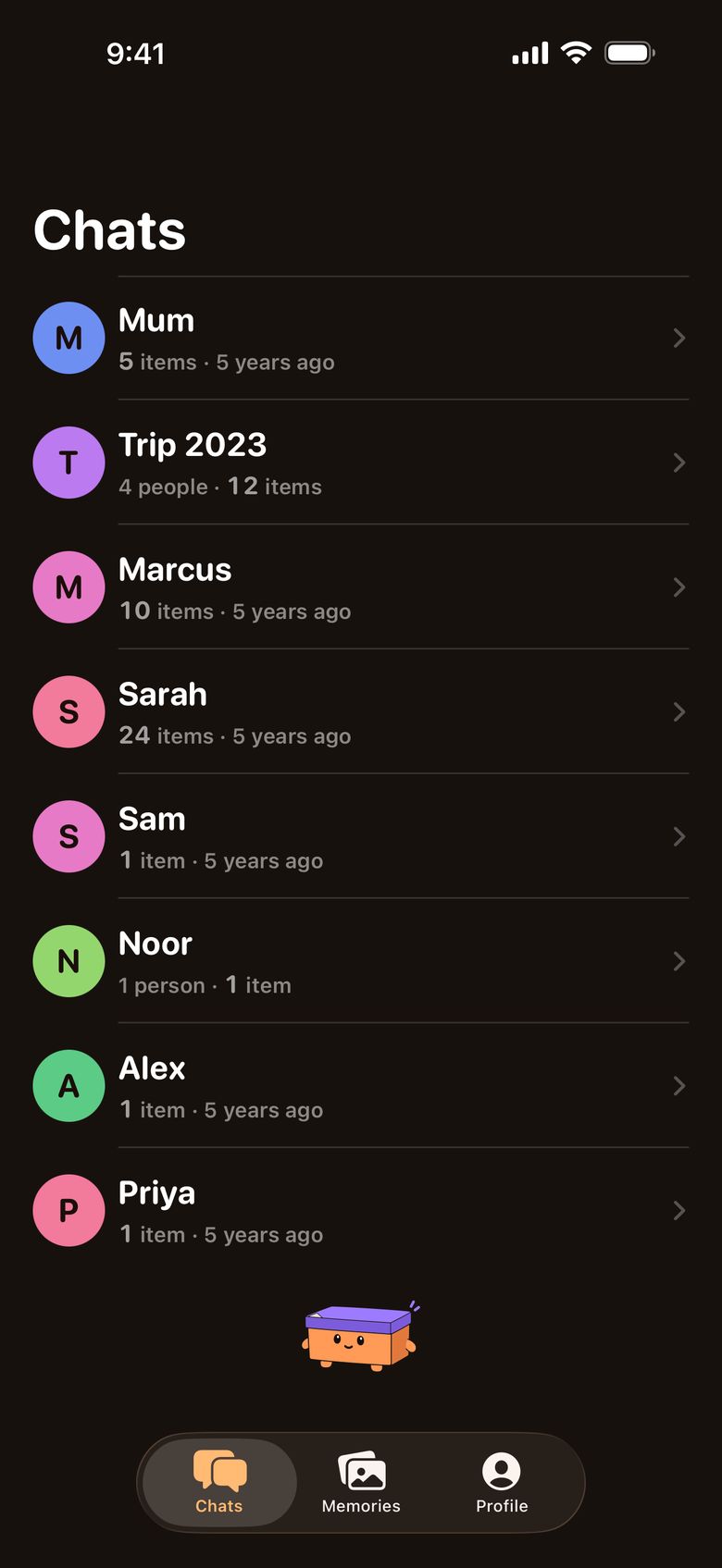
Every conversation, with who and when
- Saved snaps are threaded by the conversation they came from, group chats included.
- Each snap carries its sender and date, like "Sarah, April 2021", and each conversation shows how long ago you last spoke.
- Anything the export does not let Lidly attribute with confidence goes to a by-date view instead of being guessed at.
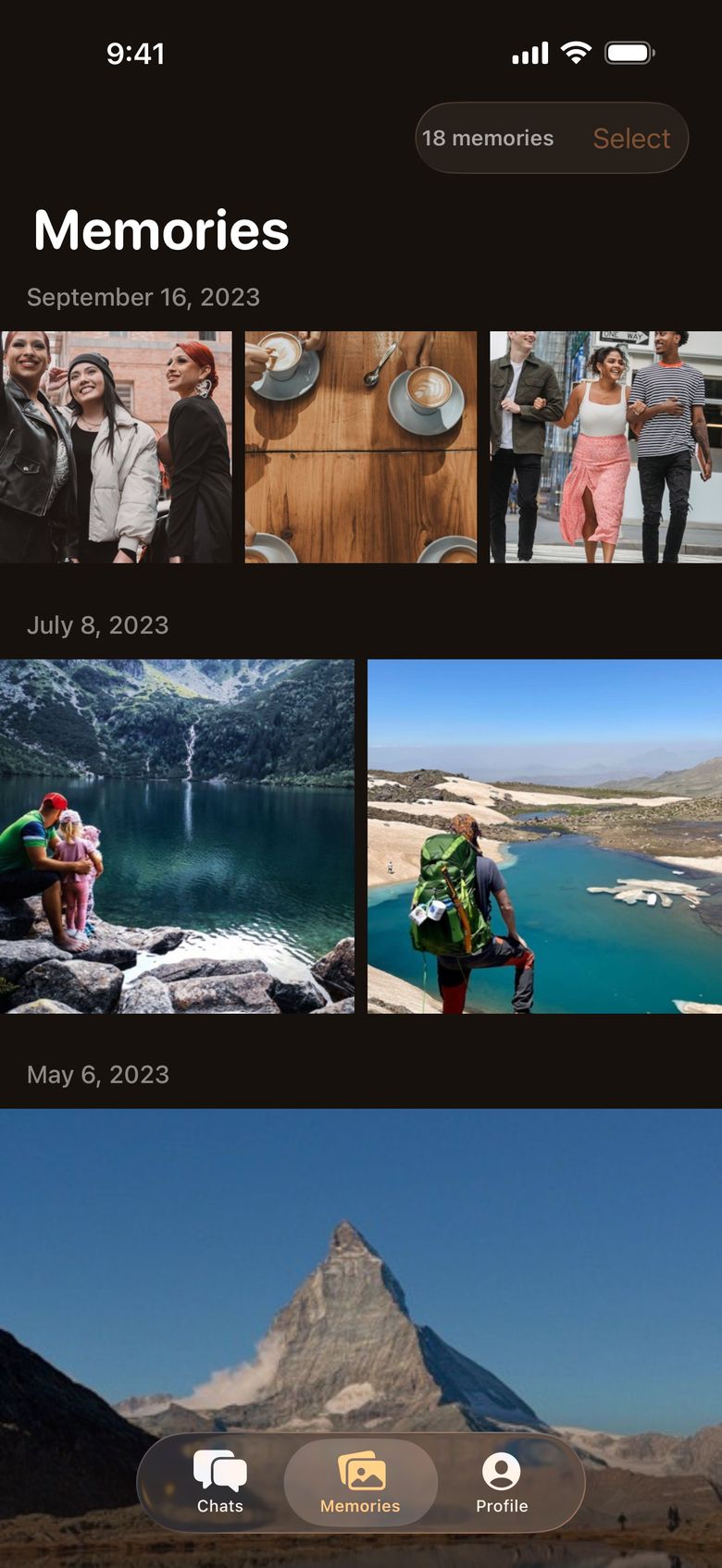
Memories by date, and back to your camera roll
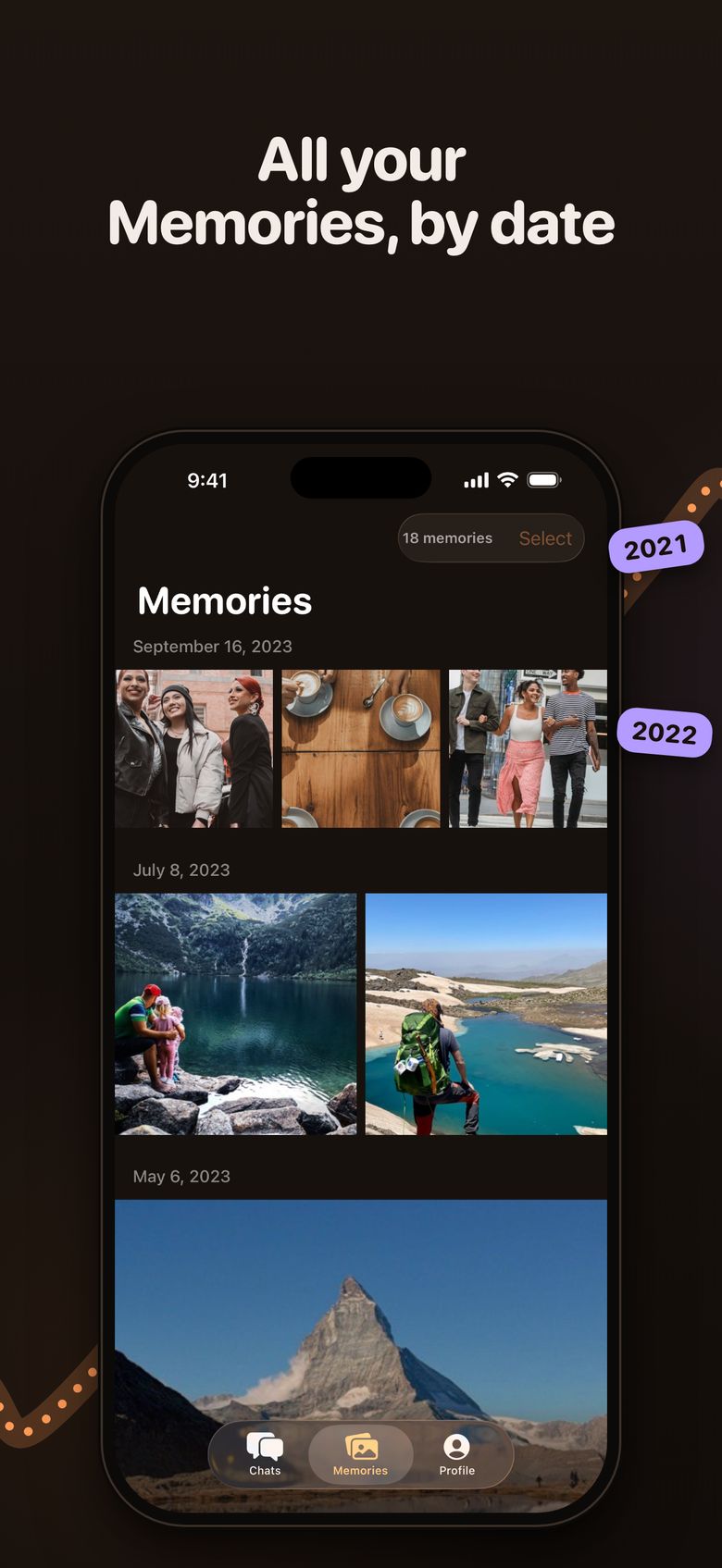
- Your Memories in date order, with their original dates.
- Caption stickers and drawings stay composited on the photo, as you sent them.
- Save any snap or Memory to your camera roll with its original date and location restored.
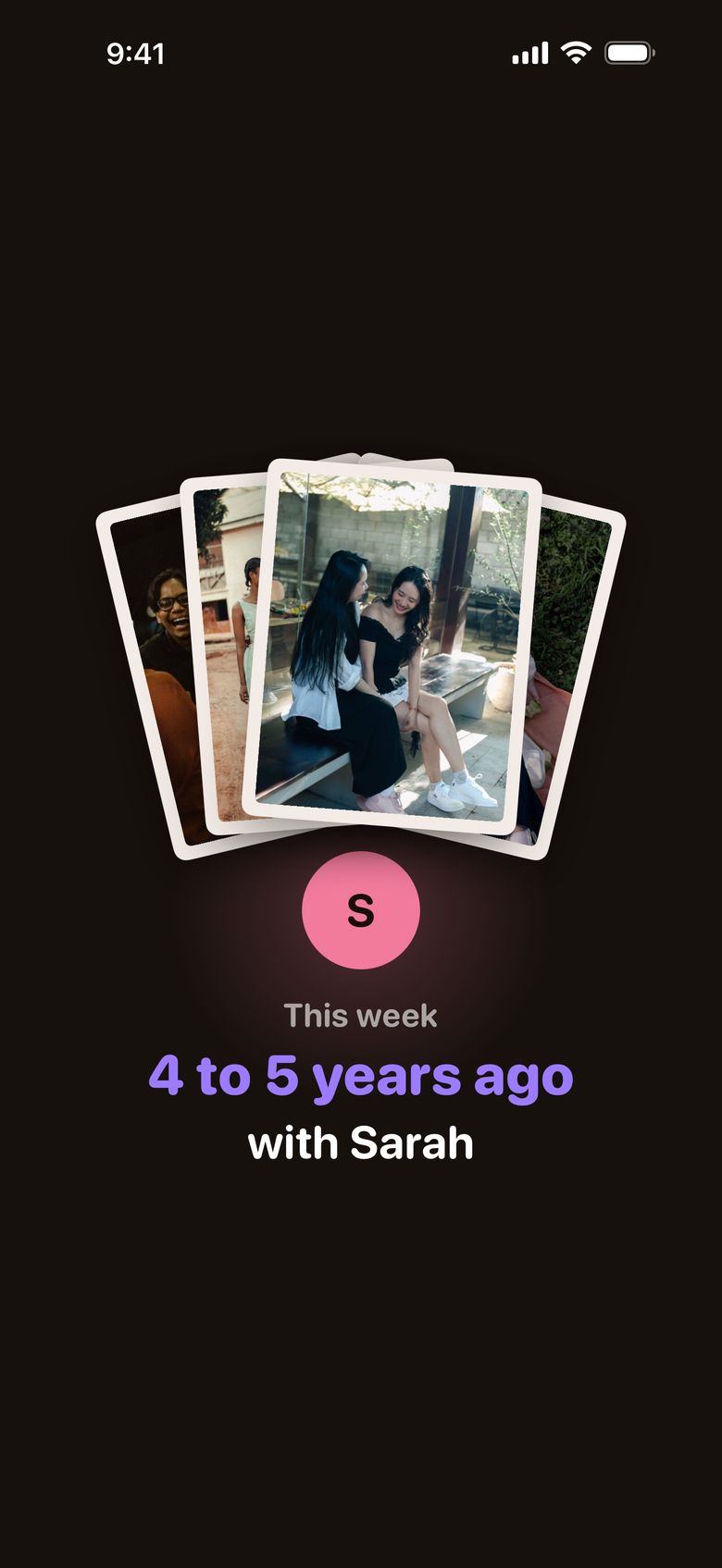
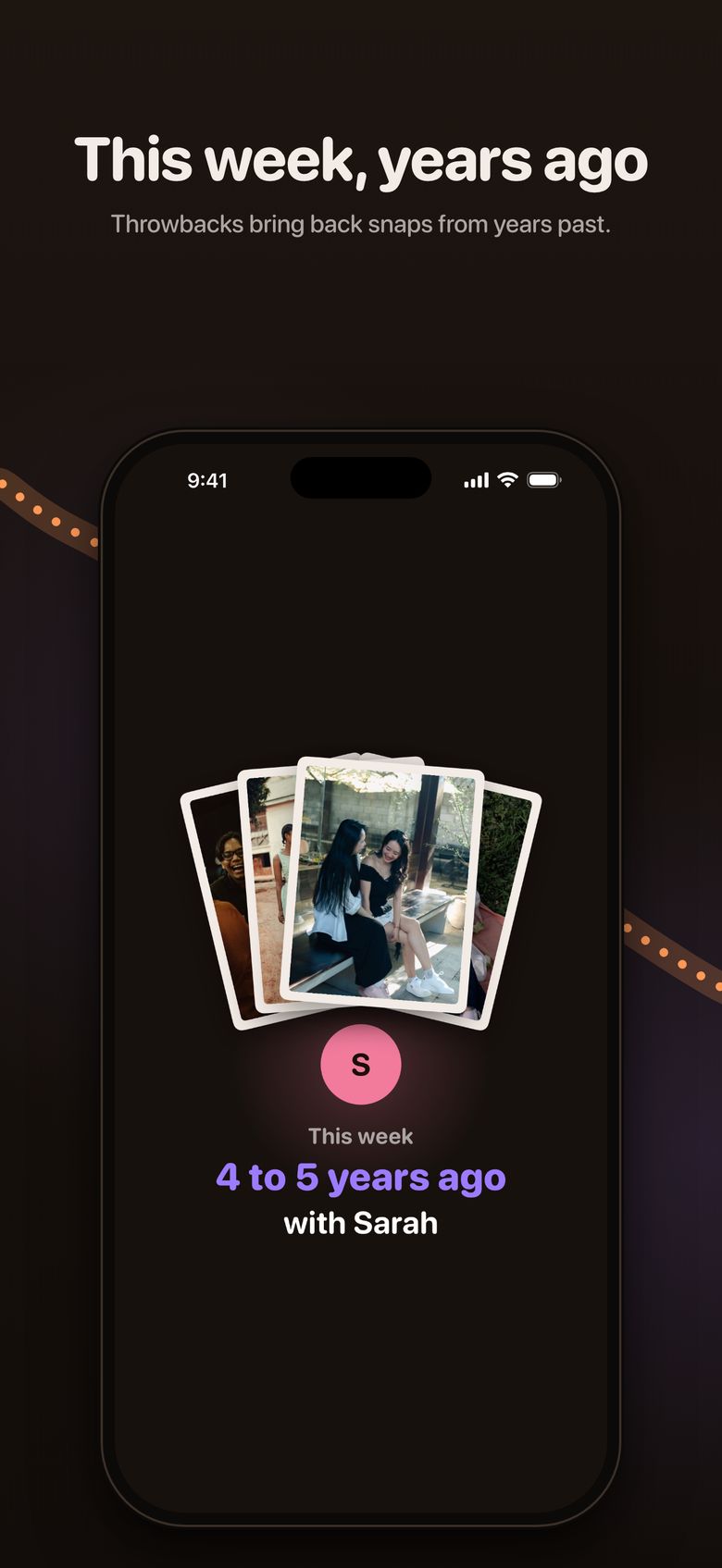
This week, years ago
- Throwbacks bring back what you saved in this week of past years.
- Tap to advance and hold to pause, the way you remember.
- An optional local notification tells you when there is one. It comes from your iPhone, not from a server.
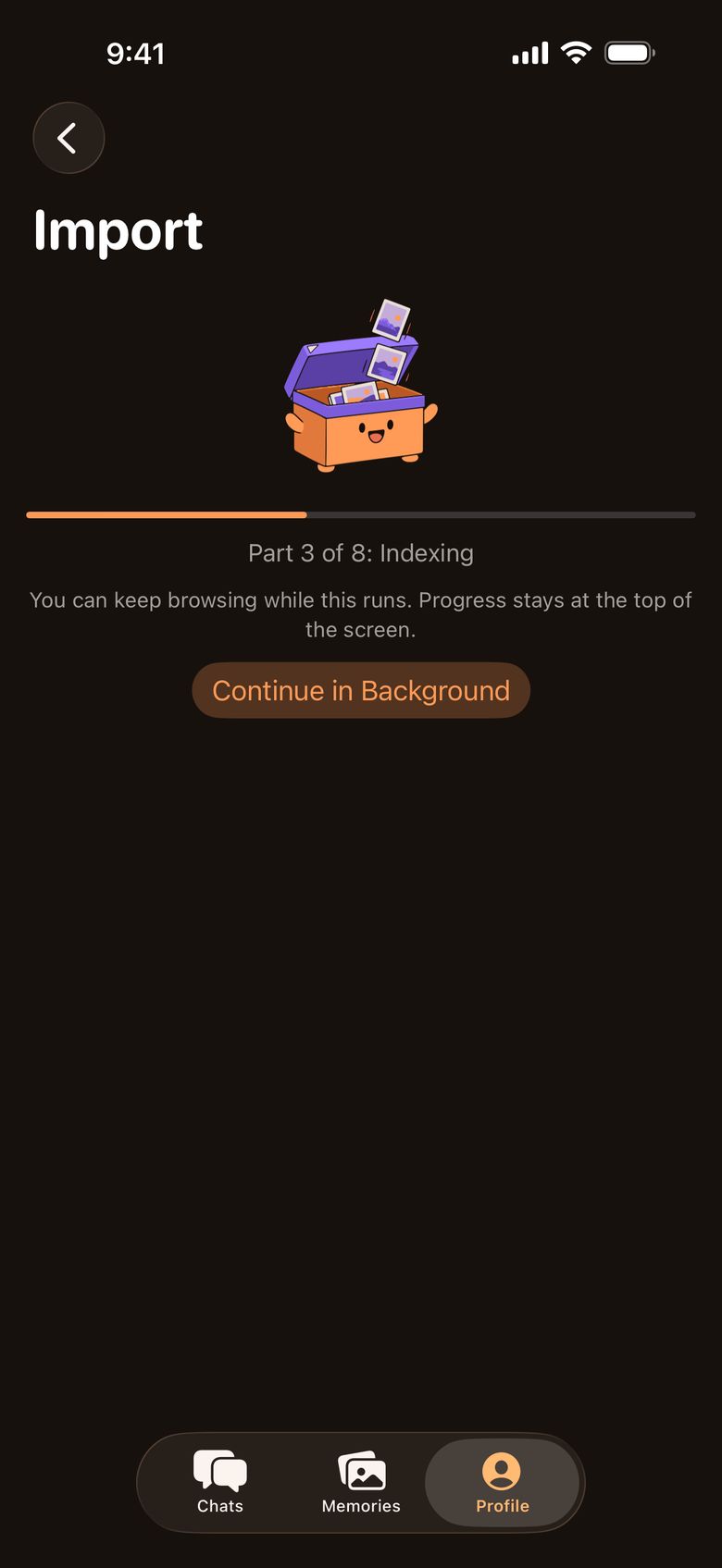
Big exports, read in place
- Opens a Memories-only export or the full data export, in one file or all of its parts.
- Exports of 15 GB across eight parts are normal. Lidly indexes them where they sit, without a second copy.
- Keep browsing while a large export is indexed.

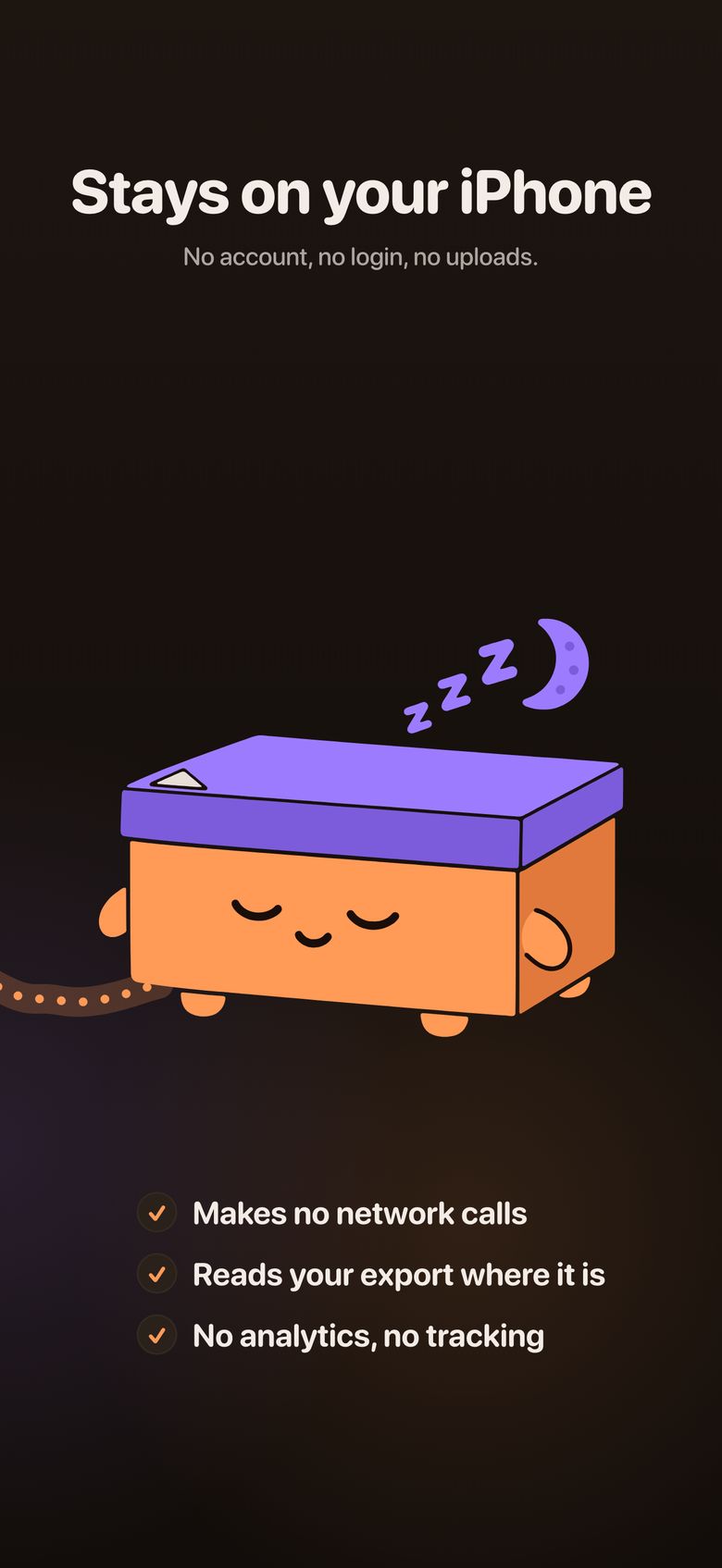
Everything stays on your iPhone
- No account and no login. Lidly never asks for your Snapchat password.
- No network calls of any kind: not to Snapchat, not to us.
- No ads, no analytics and no tracking. The App Store privacy label reads "Data Not Collected".
- Lidly reads only the export file you download yourself.
- Delete everything Lidly imported at any time: Profile, then Manage Storage.
Free to read. One unlock for the rest.
Free
- Import your whole export, every part
- Browse every conversation and your Memories
- View your most recent twelve months of media
- Your first ten saves to the camera roll
Full archive unlock
One-time in-app purchase. No subscription.
- Every snap and Memory, from any year
- Unlimited saves to the camera roll
- Restore it on your other devices with Restore Purchases
The App Store shows the price in your currency before you buy.
Questions
Does Lidly need my Snapchat login?
No. Lidly has no login and never asks for your Snapchat password. You request your data from Snapchat yourself, download the file, and open that file in Lidly.
What if Lidly cannot tell who sent a snap?
Lidly only files a snap under a person when the export says who sent it. Anything it cannot attribute with confidence goes to a by-date view instead of being guessed at, so nothing is hidden and nothing is put under the wrong name.
Will I see chats I never saved?
Lidly shows what your export contains and nothing more. Snaps that disappeared without being saved in the chat are generally not in the export, so Lidly cannot show them.
Does it work with an export split into several parts?
Yes. Pick every part when you import. Lidly reads them where they are, so a 15 GB export in eight parts never needs to be unzipped, combined or copied.
Does Lidly upload my photos anywhere?
No. Lidly makes no network calls at all. Your export is read and indexed on your iPhone, and the App Store privacy label for Lidly reads "Data Not Collected".
Does Lidly have ads?
No. Lidly shows no ads and contains no ad or tracking code. It makes no network calls at all, so there is nothing that could load one.
Is it available for Android, iPad or Mac?
Lidly is an iPhone app and needs iOS 18 or later.
What does it cost?
Lidly is free to download, import and read. Your most recent twelve months of media and your first ten saves to the camera roll are free. A one-time in-app purchase unlocks the rest of your archive and unlimited saving. There is no subscription, and the App Store shows the price in your currency.
Is Lidly made by Snapchat?
No. Lidly is an independent app. It is not affiliated with, endorsed by, or sponsored by Snap Inc.
Guides and comparisons
Guides
-
Guide ·
Starting January 1, Snapchat will lock older Memories behind a paywall: how to save yours now
From January 2027, Snapchat archives Memories over a year old outside your oldest 5GB. Thumbnails only unless you pay. How to download yours now.
-
Guide ·
How to view your old Snapchat chats by person on iPhone
Your Snapchat data export holds the chats and snaps you saved. Here is how to read them again as conversations, one person at a time, on iPhone.
-
Guide ·
Why your Snapchat export photos have no captions (and how to get them back)
Snapchat exports captions, text and drawings as separate overlay files. Here is how they are named, why they come apart, and how to put them back together.
-
Guide ·
How to open a Snapchat data export on iPhone without a computer
Snapchat suggests a computer for its export, but you can open the ZIP on an iPhone. Two ways to do it, and what each one costs you in space and effort.
Comparisons
-
Roundup ·
Ways to view your Snapchat data export (2026 roundup)
Snapchat's own viewer, Memories fixers, a desktop chat explorer and Lidly compared: platform, chats, captions, uploads and pricing model, as of October 2026.
-
Comparison ·
Lidly vs FixMyExport
FixMyExport repairs Snapchat Memories files across Mac, Windows, iPhone and Android. Lidly reads your chats and Memories on iPhone. Which fits your job.
-
Comparison ·
Lidly vs Snap Data Explorer
Snap Data Explorer is a free desktop app that rebuilds Snapchat chats with full-text search. Lidly does the iPhone version. Which one fits how you'll use it.